
Surveys & Feedback
Survey on the Whole Event
Share your feedback with PRO through the Eventify app:
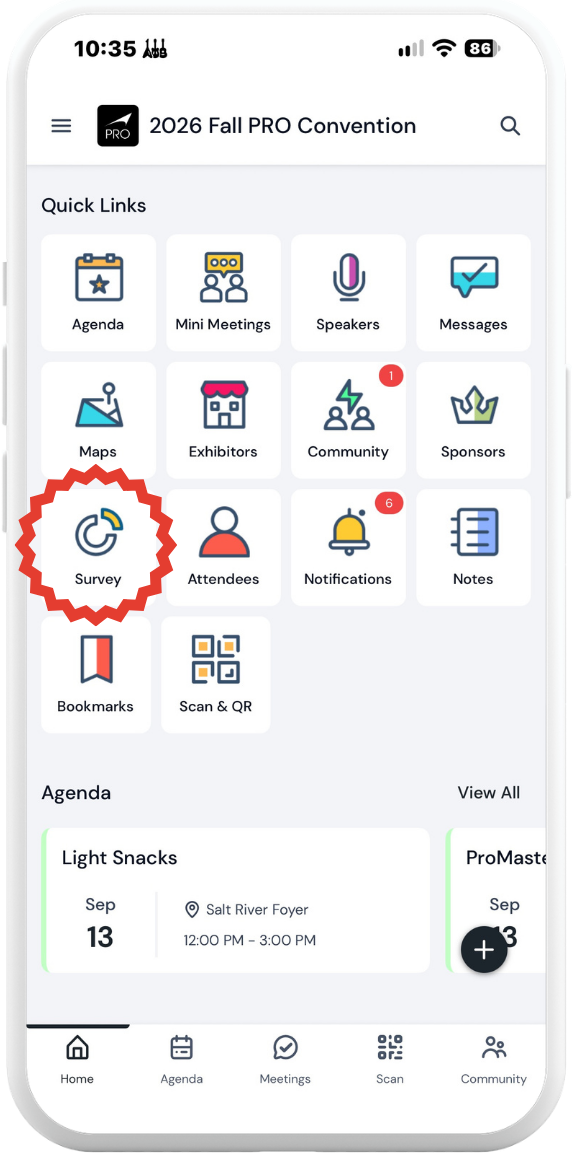
Tap on Survey on the app homepage
Tap on Event Survey
Feedback on Specific Sessions
Share your feedback with PRO and Speakers through the Eventify app.
Here’s how:
Tap on Agenda in the bottom tray in the app
Tap on the Session
Tap “Rate this session” in the upper right corner
Then fill out the short survey and click Submit
We appreciate you taking the time to let us know how the content worked (or didn’t work) for you!